


Turn your PDFs & e-books into audio.
Upload any document and Reader AI reads it aloud — naturally, hands-free, even when your screen locks.
Who is Reader AI for?
Anyone who has more to read than time to stare at a screen.

Turn 50-page handouts into something you can actually get through.
Upload your lecture notes, past questions, and course PDFs. Reader AI reads them aloud while you highlight, commute, or rest your eyes.
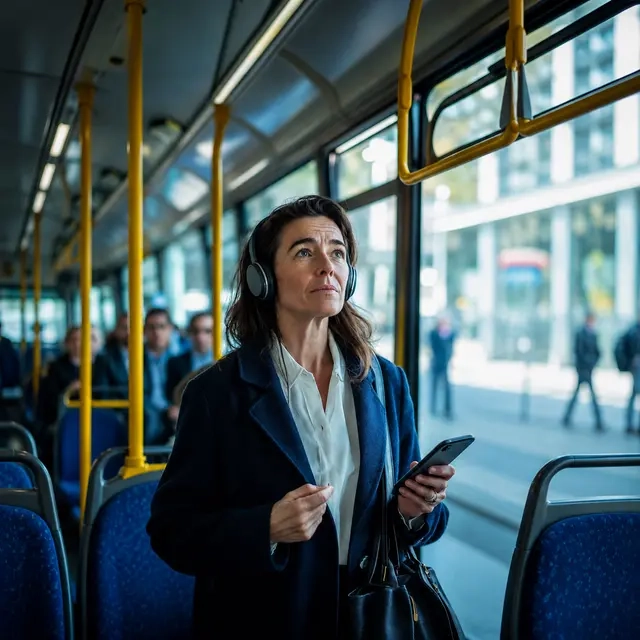
Clear your reading backlog without clearing your schedule.
Reports, whitepapers, and industry documents — listen during your commute, lunch break, or between meetings.

Get through more papers in less sitting time.
Load dense academic PDFs and journal articles into Reader AI and absorb them hands-free, at your own pace.

Your books, your voice, no subscription required.
Drop in an EPUB or document and listen to it like an audiobook — without paying per title.

Read while you cook, commute, or work out.
Reader AI keeps playing when your screen locks. So your time between tasks is never wasted.

Give your eyes permission to rest.
If screen time drains you, Reader AI gives you another way in — natural narration that carries you through the content without the strain.
How it works
Upload your document
Drop in any PDF, EPUB, Word file, PowerPoint, or scanned photocopy.
Reader AI extracts the text
Fast, private client-side OCR pulls readable text instantly without server delays.
Press play
Listen at custom speed with background audio playback that continues when screen is locked.

Features
Built for real reading sessions, not demos.

Keeps playing when screen is lock
Reader AI holds audio focus even when you turn screen off or switch to WhatsApp. — Lockscreen Audio

Audiobook-quality AI narrators
Ultra-natural human speech powered by Kokoro AI — studio-grade voices like Heart & Bella that run 100% locally in your browser. — Kokoro AI Voices

Even your blurry photocopies
Reader AI uses on-device OCR to extract text from scanned handouts and image PDFs.

Start on laptop. Continue on phone.
Your reading position syncs automatically. No re-uploading. No re-scanning. — Cross-Device Sync

PDF, EPUB, Word, PowerPoint, Images
One upload button for every document type you actually use — Works on Any Format
Narrators that don't sound like robots.
Reader AI gives you a choice of voices — from ultra-natural Kokoro neural studio narrators to fast offline browser voices. Pick the one you can listen to for hours.
Kokoro Neural Studio (Heart & Bella)
Ultra-realistic, audiobook-grade neural speech that sounds genuinely human — not robotic.
100% On-Device & Offline
Cached permanently in your browser. Zero cloud uploads, zero data usage after first download.
High-Speed Browser Fallback
Instant on-device Web Speech API fallback available across every browser and device.
What users are saying.

“EQ, this is insane ... I completed this book today”
“Listened to my entire ENT 101 handout on the bus. First time I actually finished a course reading.”
“Reader AI makes it easy for me to listen to my course materials. I was in traffic for an hour & I finished 2 PDFs 👍”
Frequently Asked Questions
Everything you need to know about using Reader AI for your studies.